
Bring clarity to every wallet decision
Explore practical habits for local keys, offline backups, multi-network asset views and transaction review. Find practical steps, risk reminders and related reading. This educational website never asks for private keys or recovery phrases and does not provide a verified wallet installer.
Explore the beginner path →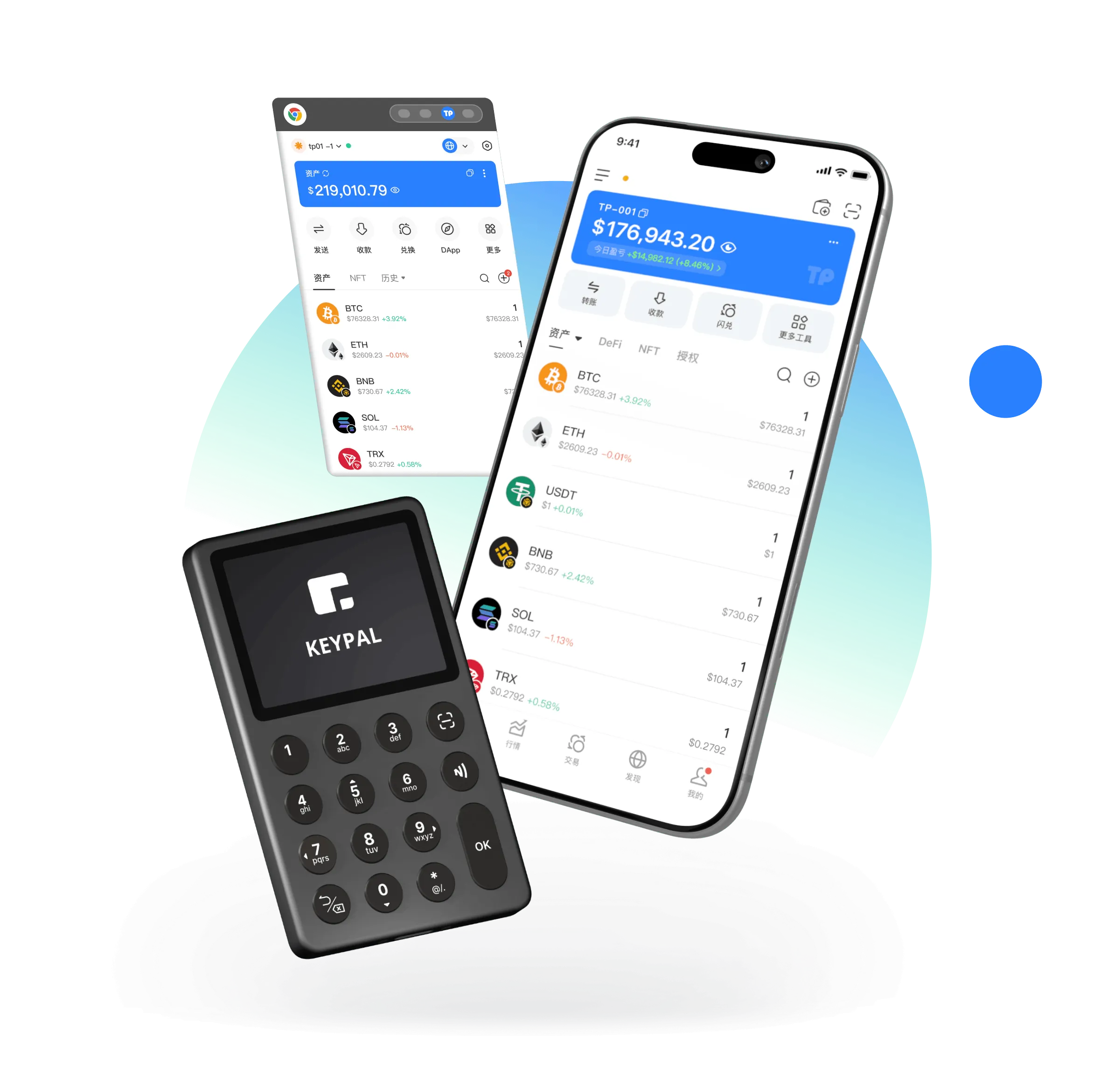
Keep credentials private
Back up before funding
Verify networks and addresses
Never share recovery phrases
Understand assets in their network context
Networks, tokens and balances belong together. This static interface preview is not a live account, price feed or active trading service.
Explore asset views →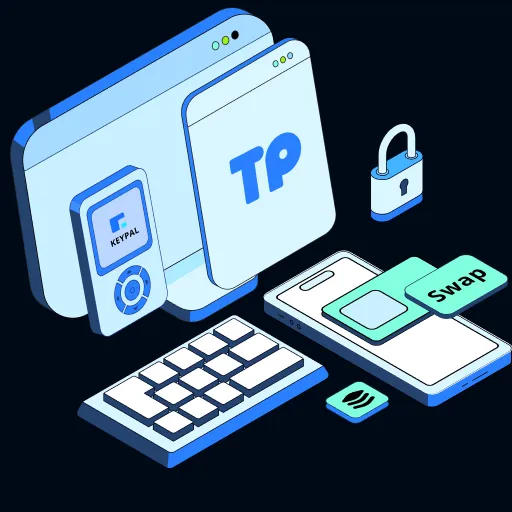
Your recovery credentials deserve a careful plan
No wallet support agent should ask for your recovery phrase. Avoid untrusted web forms and public backups. Learn habits you can verify yourself.
Make sense of multi-chain experiences
A token label can appear across networks. Learning to confirm networks and token identity is the first step toward a safer transfer.
Review transfer checks →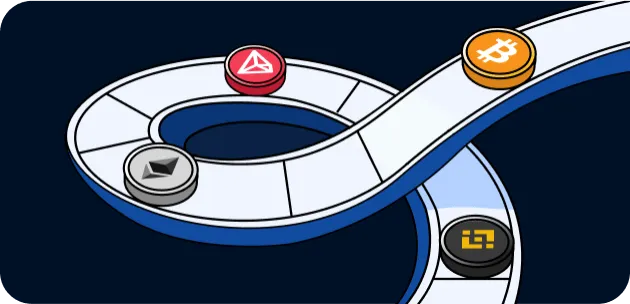
Read the details before signing
This transaction panel is illustrative and cannot execute swaps. What matters is checking the network, recipient, amount and approval scope.
Review risk guidance →Explore Web3 concepts with context
These are educational entry points, not a directory of live integrations or partners.
Six steps from setup to transaction review
Verify source
Check the website, installer source and device permissions before you begin. Find practical steps, risk reminders and related reading. This educational website never asks for private keys or recovery phrases and does not provide a verified wallet installer.
Read guide →02Install or import
Prepare your device, verify the installation source and plan where recovery credentials will be stored. Find practical steps, risk reminders and related reading. This educational website never asks for private keys or recovery phrases and does not provide a verified wallet installer.
Read guide →03Record your phrase
Learn how to record a recovery phrase offline and check your backup without exposing it. Find practical steps, risk reminders and related reading. This educational website never asks for private keys or recovery phrases and does not provide a verified wallet installer.
Read guide →04Complete offline backup
Plan a recovery workflow that keeps sensitive phrases offline and out of untrusted forms. Find practical steps, risk reminders and related reading. This educational website never asks for private keys or recovery phrases and does not provide a verified wallet installer.
Read guide →05Review assets
Learn how token balances and networks fit together in a multi-chain wallet overview. Find practical steps, risk reminders and related reading. This educational website never asks for private keys or recovery phrases and does not provide a verified wallet installer.
Read guide →06Check before sending
Make network, recipient address and amount checks part of every transfer. Find practical steps, risk reminders and related reading. This educational website never asks for private keys or recovery phrases and does not provide a verified wallet installer.
Read guide →Keep your checks practical
Learning, product thinking and support
Create a Wallet
Prepare your device, verify the installation source and plan where recovery credentials will be stored. Find practical steps, risk reminders and related reading. This educational website never asks for private keys or recovery phrases and does not provide a verified wallet installer.
→About tokenpocket
Learn how tokenpocket approaches wallet education, self-custody concepts and thoughtful product design. Find practical steps, risk reminders and related reading. This educational website never asks for private keys or recovery phrases and does not provide a verified wallet installer.
→Frequently Asked Questions
Find clear guidance on local keys, recovery phrases, network checks, installation and wallet safety. Find practical steps, risk reminders and related reading. This educational website never asks for private keys or recovery phrases and does not provide a verified wallet installer.
→Does tokenpocket custody my assets?+
This is an informational demonstration of wallet concepts, not an active custody service. Independently verify any wallet and publisher before use.
Does a wallet always need internet access?+
Viewing current blockchain data and broadcasting a transaction generally require connectivity. Some backup and signing steps can be done offline.
How should I store a recovery phrase?+
Write it down privately and offline, check the order, and avoid screenshots, cloud notes or sharing it with support impersonators.
How do private keys differ from recovery phrases?+
Private keys control accounts, while a recovery phrase can derive multiple keys. Both require careful protection.
Start by verifying the source
This is an educational demonstration. No verified wallet installer is distributed. Never enter recovery phrases or private keys on a website.
⬇ Download Now